
{This post/description contains affiliate links. If you make a purchase through these links, I may earn a small commission at no extra cost to you.}
Are you thinking about building an online business but don’t know where to start? Selling digital downloads on Etsy is one of the easiest ways to turn your creative ideas into income. You don’t need to worry about shipping, storage, or constant restocking. I remember feeling intimidated when I first started with Etsy. I have a new store- but I had another one for four years that I didn’t spend much time on. I decided that I needed to start fresh because customers can see how long you’ve been in business.
A lot has changed in the last several years. Etsy makes the process very straightforward. Starting a digital shop is very possible to do in one week; even if you’re starting from scratch.
So, If you’re ready to start an Etsy store, I’ll walk you through everything I learned so you can get your Etsy shop up and running fast. These steps come straight from my own experience (plus a ton of trial and error), so you won’t waste time searching for answers.
Why People Struggle to Start an Etsy Digital Shop (And How You Can Get Ahead)
The toughest part about opening an Etsy shop for digital goods isn’t creating the files. It’s all the little steps that can cause delays. Most new shop owners run into problems because:
- They can’t decide what kinds of digital downloads to offer.
- The Etsy setup process seems confusing or overwhelming.
- They aren’t sure how to make listings that actually lead to sales.
- Figuring out file delivery and customer support is new territory.
Luckily, these hurdles are very manageable. Etsy gives you a clear set of tools and makes the tech side of things pretty simple. I find the hardest part is just getting started, but once you do, things move quickly!
What Is an Etsy Digital Download Shop?
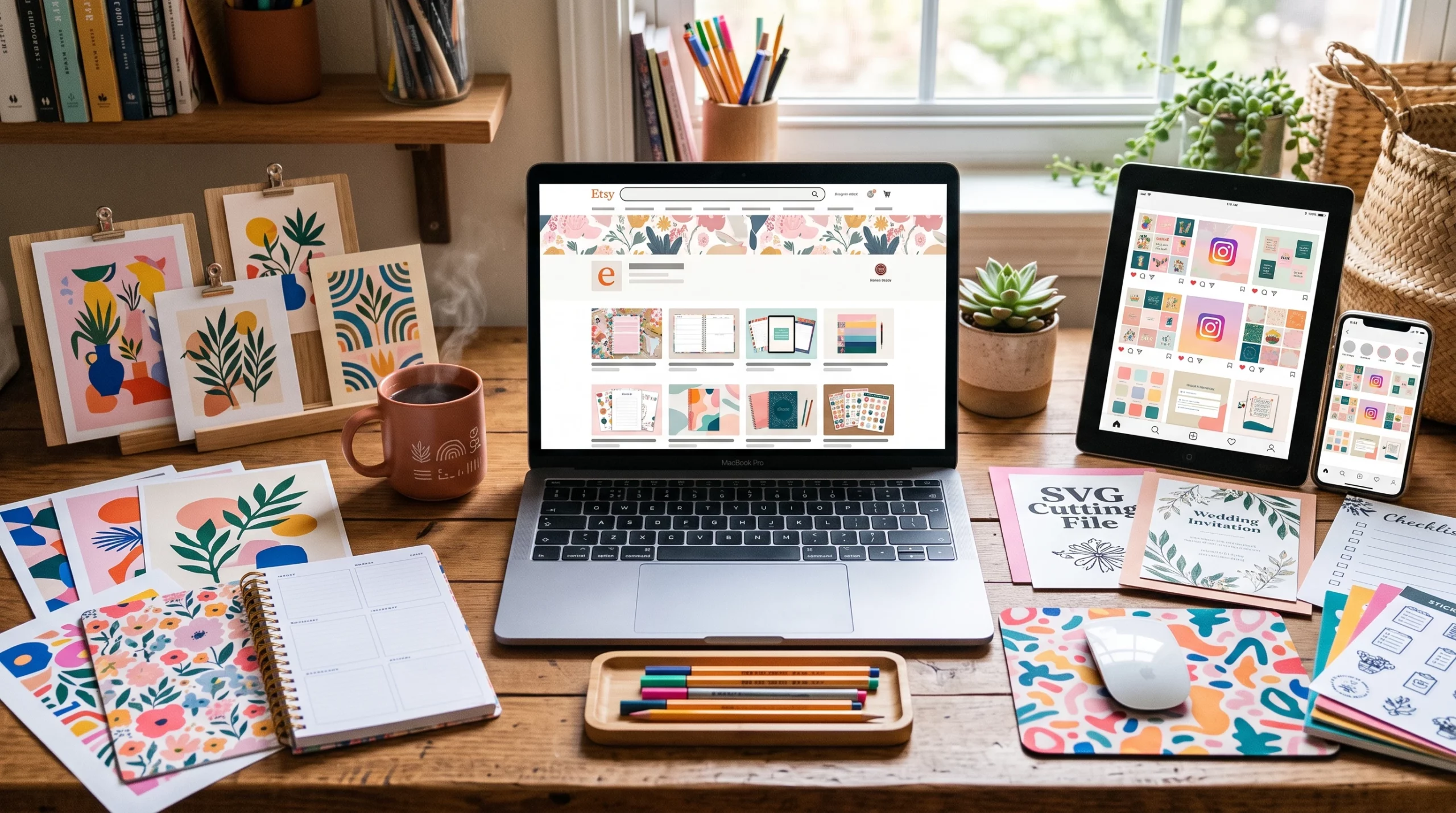
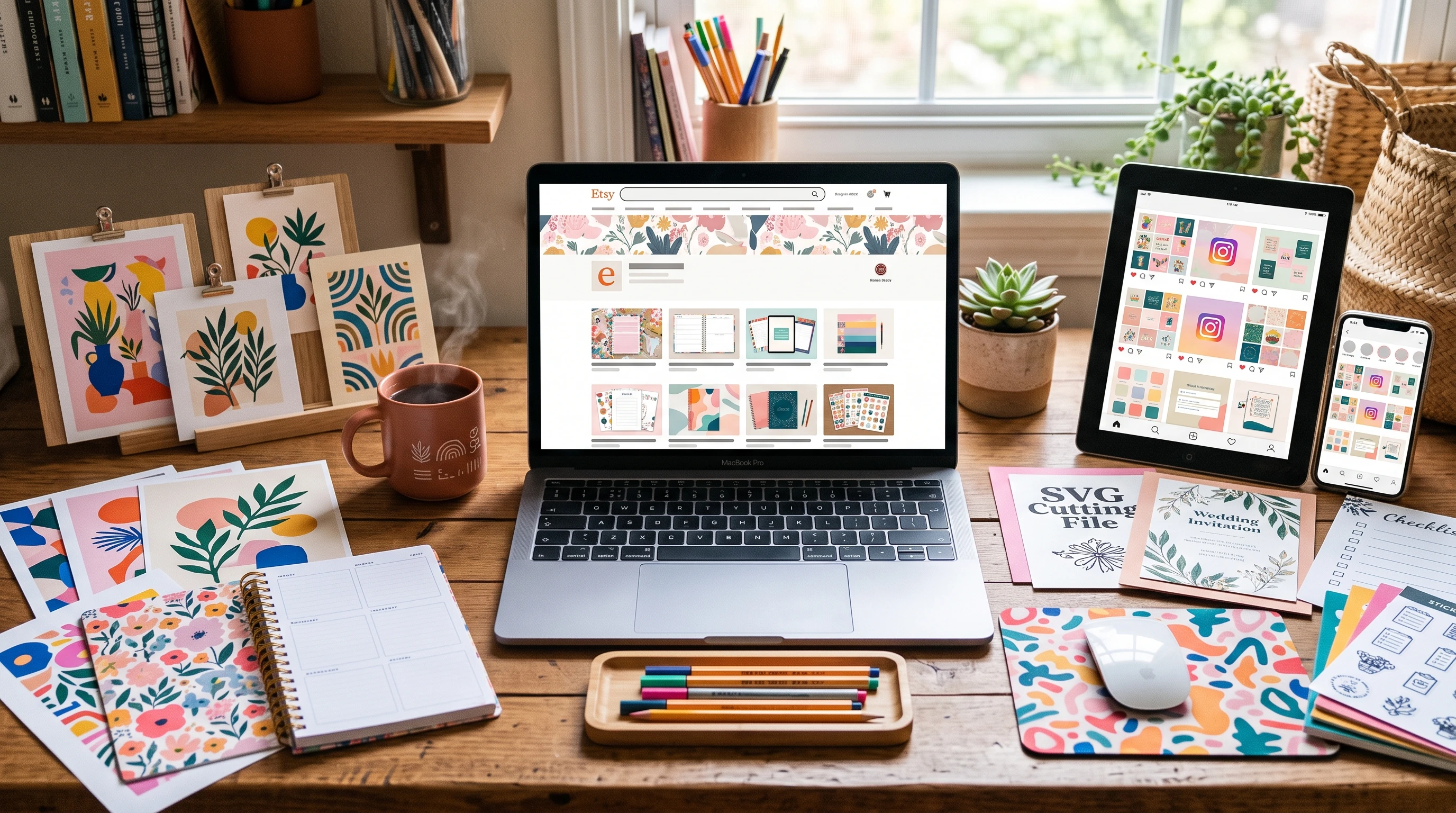
An Etsy shop for digital downloads is an online storefront where you sell files instead of physical products. People can buy your designs, planners, printables, patterns, or artwork and instantly get the downloads after purchase.
Examples of what you can sell include:
- Printable wall art
- Planners and journal pages
- SVGs and graphics for Cricut or Silhouette
- Digital stickers for Goodnotes or planners
- Knitting or crochet patterns
- Photography presets
- Templates (resumes, social posts, business cards, and more)
On my Etsy store-Nature’s MuseCo, I sell printable wall decor as well as fitness planners and habit trackers. (I also sell print on demand products). The best part about an all digital store is you make a file once and can sell it as many times as you like. No need to worry about shipping or inventory. Just upload your product, add some details, and Etsy takes care of delivery after purchase.
I just made my first sale on this new store the other day! I sold a Motivational bundle that is a printable. I just make sure all my files are nice and organized before sending to the customer.
How I Set Up My Etsy Shop in Under a Week
I managed to launch my shop in less than seven days. Here’s the process that worked for me, broken into clear action steps.
- Brainstorm Your Digital Products: Spend a day or two researching popular digital downloads on Etsy. Pick a product type you’re passionate about. It helps to have a good mix of personal interest and market demand. Use Etsy’s search and check out what’s trending. (Since I sell more than digital products, I also brainstormed print on demand products).
- Create Five to Ten Products: Design your first batch. Don’t stress about perfection. Start with five to ten digital download items to launch. Tools like Canva, Kittl, or Adobe Illustrator, can be really helpful, depending on what you’re making. For my designs, I primarily use Canva and Kittl. If you’ve never used either, no worries. Both are pretty user friendly.
- Set Up Your Etsy Account: Sign up for a seller account on Etsy. The process is pretty straightforward. Just go to Etsy.com, scroll down, and click “Sell on Etsy.” There is a $30 ish fee now when you sign up, and .20 Cents per listing.
- Branding and Shop Details: Come up with a shop name that’s catchy but simple. Add a profile picture, banner, and write a short bio about what you offer. This helps you look credible and professional from day one. You will be able to change your name before you officially open. Once you are officially in business, there is a limit to the number of times you can change your business name.
- Draft Listings: Create your product listings. Use clear titles, detailed descriptions, and plenty of relevant keywords. Upload the digital files and add at least 2-3 images for each product. People love mockups that show what your product looks like in use. In many instances, you will see on my listings that I even include a guarantee graphic.
- Set Prices and Policies: Check what similar products are selling for, and price yours competitively. Write out your shop policies—keep them friendly and clear, particularly about refunds and customer support.
- Publish and Open Your Shop: Once your listings are ready, go live. Etsy guides you through payment setup (Stripe or PayPal, depending on your country), tax info, and your first shop announcement.
I spent a day on each of these tasks and managed to hit “open” by the end of the week. Small daily wins really add up!
Great Features and Tools That Make Selling Digital Products Easier
Etsy’s shop dashboard is user friendly, even if you’re not very techy. Here’s what I find really helpful for digital sellers:
- Digital File Uploads: Etsy handles file delivery automatically after each sale. You just upload your files during the listing, and customers download directly after checkout. If you have your listing set to Made to Order- then once the customer orders, you will click on Complete Order, and then you’ll be able to add your files. Customers will download directly from Etsy.
- Order & Message Management: See all your sales and messages in one place, so you can respond to buyers quickly or resend files if needed.
- Stats and Reporting: Keep track of views, favorites, and sales. This helps you see what’s working and what customers are checking out most often.
- Shop Customization: Featured listings, shop updates, and SEO tools give you ways to stand out and drive more traffic.
If you want even more flexibility, there are helpful third-party tools you can use alongside Etsy. Sites like Canva make it easy to design templates or graphics, while services like eRank and Marmalead are great for SEO and keyword research.
My Experience Getting That First Sale
Getting my shop open felt amazing, but seeing my first sale notification was very exciting! Here’s what I did that helped me land this sale:
- Uploaded quality product images and mockups showing exactly how downloads work
- Included clear download instructions in the listing description and files
- Used SEO research to add keywords to my titles and tags (tools like eRank and Marmalead are worth checking out)
- Promoted one or two listings on Pinterest to drive outside traffic
- Answered the first messages from buyers quickly. I’m still waiting for my review. 🙂
Once you get positive reviews, your shop will start getting more visibility. Sales become more consistent as your credibility grows.
Why Etsy Is a Good Choice for Selling Digital Products
Simple Setup and Built-in Audience
Etsy brings in tons of buyers searching for downloadable files. With the setup tools and educational resources, it’s easier than starting your own website and looking for an audience by yourself.
Automated File Delivery
Etsy handles everything related to delivering your digital files, so buyers get instant access and you have less to worry about. If someone has an issue, Etsy’s customer service is pretty responsive, but you can often sort out minor problems on your own.
Payouts and Support
Etsy’s payment system is straightforward and they pay out weekly (though this can depend on your country or region). If you get stuck at any point, the Seller Handbook and community forums are packed with useful tips and advice.
What to Do Next: Take Action and Set Up That Shop!
- No design degree or fancy tech skills needed.
- Low startup costs (often less than $5 to list your first batch of products).
- Real earning potential from home.
Your digital download shop could be live by this time next week. Take it from someone who’s done it—don’t wait for perfect products, just start with what you’ve got and learn as you go. If I can do it, so can you. Go make your first listing; you’ll be glad you did!